


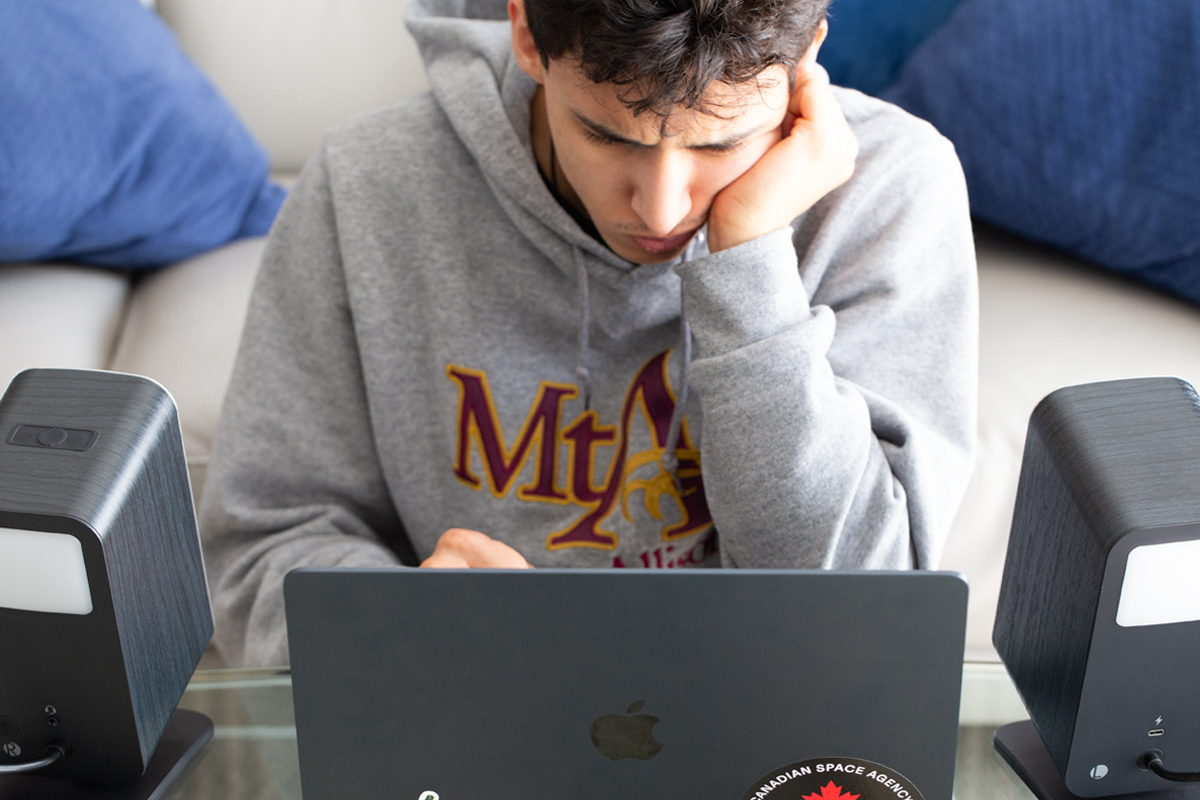
If you were around then, cast your mind back to the late 1990s when speakers came bundled with home PCs. A pair of small, lightweight, beige plastic boxes, a power brick, a thin cable running between them, and a sound that could charitably be described as functional. They reproduced audio in the loosest sense: you could hear Windows startup sounds, tinny game effects, or the occasional choppy RealPlayer stream. Nobody mistook these speakers for high-fidelity components; they were just a checkbox to be checked.
Desktop audio in the 2020s is a different world entirely, populated by products designed by engineers familiar with actual acoustic research, not just high-volume consumer electronics. Companies like ADAM Audio and Mackie, whose core business has long been professional studio monitors, now sell directly to the desktop consumer. Klipsch, KEF, Kanto, and Audioengine have desktop lines that take driver quality, cabinet construction, and amplifier topology as seriously as products intended for dedicated listening rooms. The plasticky beige box has vanished and been replaced by relatively inexpensive but respectably engineered audio gear that would have sounded implausible in an electronics superstore in 1997.
Part of why this happened is a particular acoustic advantage that desktop listening has over conventional hi‑fi: proximity. When speakers sit a couple of feet from your ears, rather than eight or ten, something useful happens. The direct sound from the speakers arrives well before reflections from walls, ceiling, and floor, so you hear more of the speaker and less of the room. This is precisely why professional mix engineers have monitored in the nearfield for decades, positioning their studio monitors close on the meter bridge or the desk surface, angled toward the listening position. For them, the goal is to make the room a smaller variable in what gets heard. The best way to evaluate a mix is through a speaker setup that minimizes room coloration and tells you what’s going on in the recording itself.
This means that the modern desktop computer speaker and the professional studio monitor ended up occupying overlapping territory. The same 5″ two-way active speakers that sit on a home-office desk and serve as a music-playback system are now often being asked by bedroom producers to serve as a reliable reference system for checking a mix in progress.
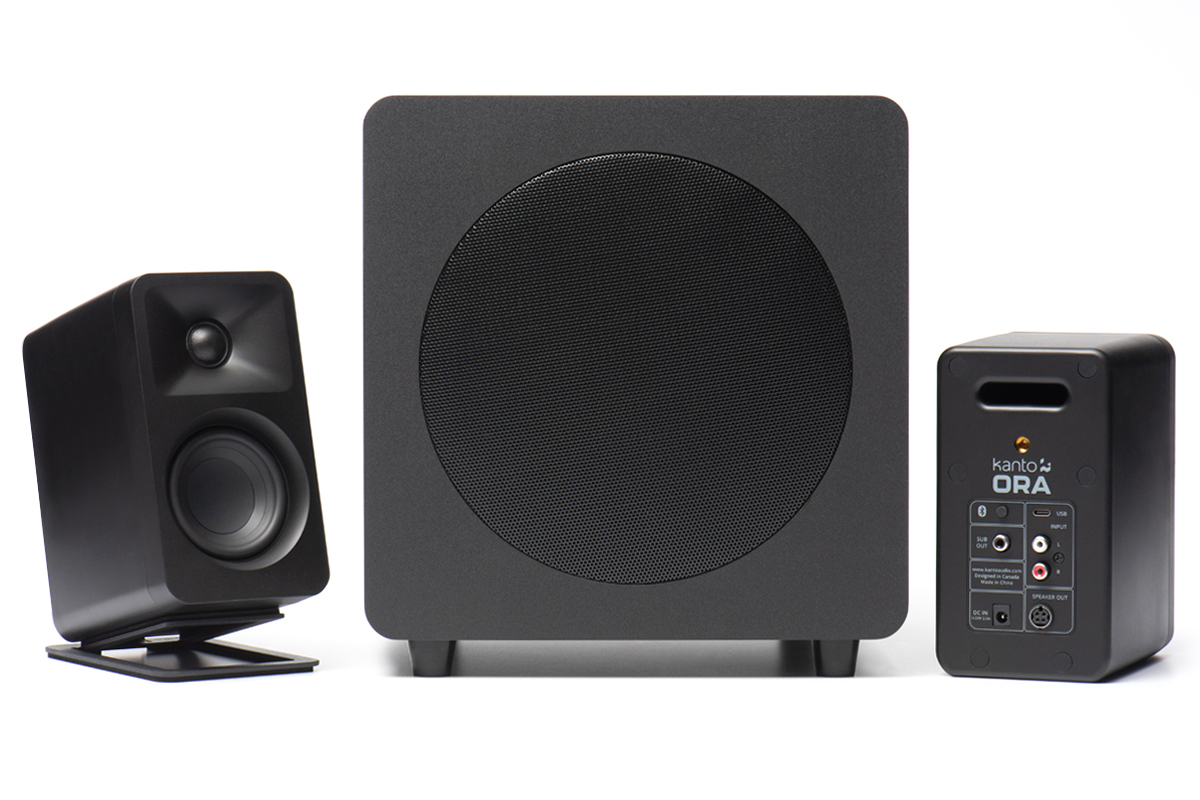
That overlap has raised expectations considerably. Consumers who spend $350 on a pair of active desktop speakers might reasonably expect them to handle hi‑fi listening duties as well as YouTube, video calls, background audio, and maybe gaming too, all from a single set of speakers that never moves. For a consumer, it’s a reasonable expectation. But whether any single setup can actually satisfy all of those modes at once is a more complicated question.
Consequently, when people ask me what I think the best active desktop-audio speaker system is, I don’t answer them directly. Instead I ask: best for what, exactly? No, I’m not entertaining the question “what sounds best?” It’s a mistake to assume that there’s a single axis of quality for audio systems. There isn’t. The complications arise because of the nature of what your nervous system is actually doing in each listening context. Music, gaming, YouTube, video calls, and content creation aren’t just oriented around different preferences; they have different requirements at a deeper level. And a setup fully optimized for one might work against another.
Understanding the underlying psychoacoustic principles can change how you think about your on-desk audio in a way that no spec sheet, review, or “best DAC under $500” roundup will.
Different tasks, different brains
Let’s start with what’s actually happening in your auditory system, because the incompatibilities downstream make no sense without it. Rather than a single organ, think of your auditory cortex as a piece of software that activates different modes depending on the task.
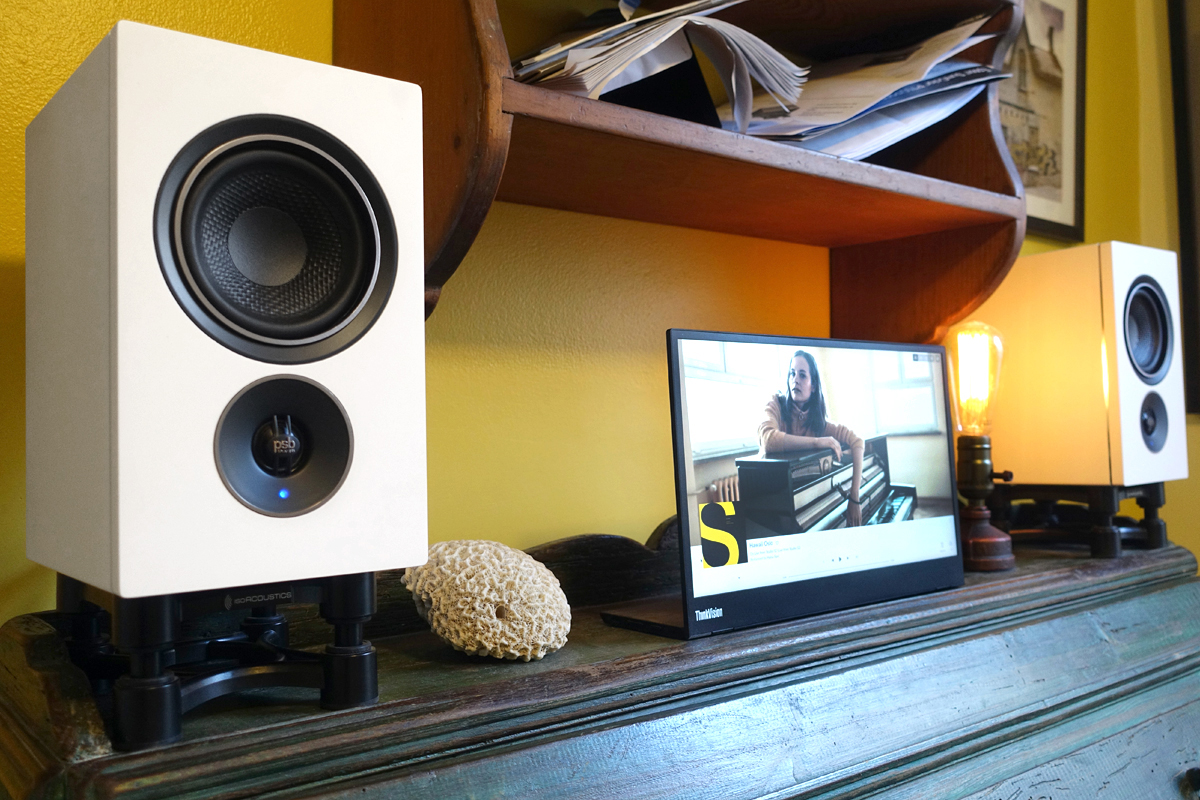
Music mode might involve analytical listening. The task revolves around perceiving a mostly fixed, carefully crafted stereo soundstage with accuracy: assessing where the producer placed the guitars in the mix, how much air lives between the instruments, and whether the mix breathes, as examples. It’s contemplative. Processing latency is irrelevant. Tonal accuracy is everything. The music-first listener is the most forgiving of latency and the least forgiving of anything that distorts the intended presentation of the recording.
If you’re gaming in a 3D environment, your brain is running spatial auditory processing. It’s analogous to sonar. The inferior colliculus and auditory cortex compute interaural time differences, tiny microsecond gaps between what arrives at your left ear versus your right, and from those gaps you construct a continuous map of where things are in space. Is that footstep to my left, and is it getting closer? That’s the question. Directionality is everything. Absolute tonal fidelity is much less relevant, because you’re not evaluating the sound, you just need specific information from the game’s environment, without lag or other distractions.

YouTube and streaming video occupy a third mode: intelligibility-first processing, where the dominant requirement is speech comprehension. The streaming platform’s data-compression algorithm, inconsistent recording quality, and background music can all conspire against critical vocal frequencies, so the middle of the frequency range matters more than bass extension or lifelike dynamics.
A hi‑fi setup can still improve this experience, but the gains show up as comfort and clarity rather than anything revelatory. Even an inexpensive 2.1 desktop speaker system like Klipsch’s ProMedia Lumina, which splits the workload between dedicated satellite speakers for highs and midrange and a separate subwoofer for the low end, is well-matched to this mode: the satellites are freed from bass duty and can focus on exactly the frequency range where speech comprehension happens.

Real-time communication, such as video calls, Discord, and Teams, recruit a fourth mode: speech intelligibility under latency pressure. Your auditory system does rapid phoneme discrimination while your working memory strings those phonemes into meaning. It’s cognitively expensive and acutely sensitive to round-trip delay, while frequency-domain characteristics have less in common with audiophile fidelity. And on the capture side, a microphone setup that sounds flattering on a podcast can work against you on a call. Different tasks, different ears.
Content creation is its own thing entirely, because the job is no longer about consuming audio; it’s about production. This can incorporate capturing, monitoring, and editing sound. The requirements shift. As well as the microphone transducer, the preamp’s input-stage quality, the ADC, and any latency to the monitoring system are all significant factors—in addition to the playback part of the equation.
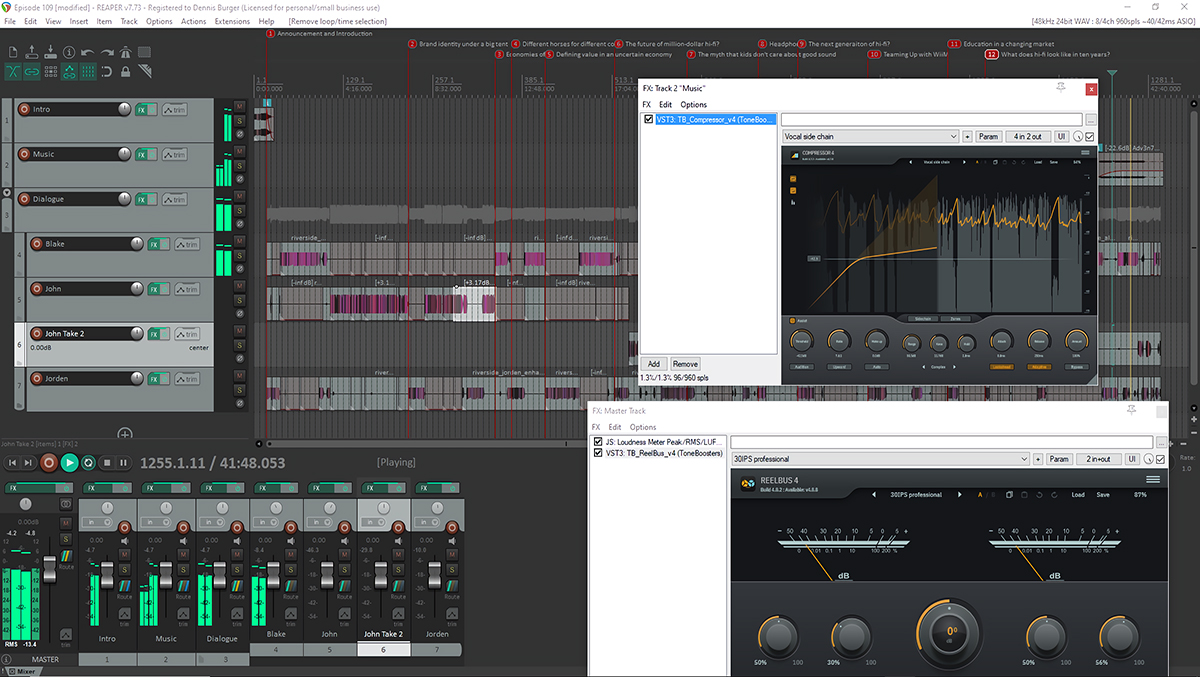
And if you’re capturing sound with a microphone, room acoustics become a problem you can no longer negate just by putting on a pair of headphones. A content creator needs a desktop audio system that behaves as both a microscope and a workbench, which is a hard brief to satisfy.
These modes aren’t mutually exclusive, and you’ll likely switch between them, perhaps even several times a day. The point is that each has its own technical requirements, and those requirements can conflict with each other. It’s important to understand where the compromises land.
The latency question
This is a variable worth understanding, even if its practical impact is narrower than forum discussions might suggest: buffer latency. Audiophile-grade DACs and audio interfaces are engineered for fidelity, valuing accurate digital-to-analog conversion, low noise floors, and wide dynamic range. A streaming preamplifier’s engineering priorities concern signal transparency and musical accuracy. For recorded music and video playback, those priorities are exactly right. They also, as a side effect, tend toward higher audio-buffer sizes.

DACs and interfaces designed for recording typically run buffers of 256 samples, 512 samples, or higher, because in studio contexts the priority is preventing glitches rather than minimizing delay. At a 48kHz sample rate, a 512-sample buffer introduces roughly 10.7 milliseconds of latency. In real systems, actual latency is often a bit higher due to driver overhead, other processing, interface safety buffers, and the OS audio stack. So in practice, you might see something like 11 to 15msec of latency, depending on the driver quality. For music listening, video watching, and casual gaming, this is a complete non-issue. There’s no perceptual threshold being crossed. The music plays, the video plays, and your brain has no reference point against which to register that anything is late.
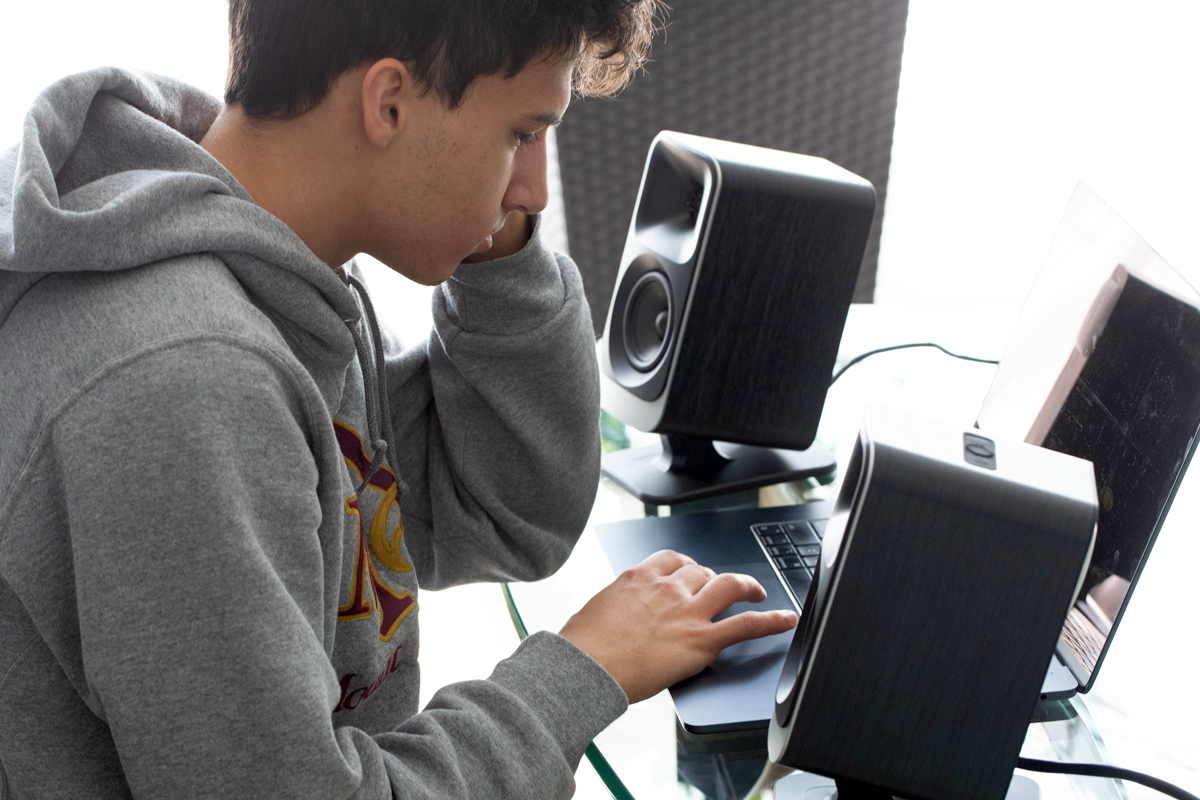
The scenario where it matters is competitive gaming. The concern there is total system latency: GPU frame time, display latency, input latency, and audio latency all compound into a single round-trip delay. Audio-buffer latency is one contributor to that stack, and whether it’s meaningfully disqualifying depends on the game and the player. Someone grinding ranked matches in a game where audio cues are competitively critical has real reason to care. Most people playing most games don’t.
For voice communication, local buffer latency is even less of the story. The round-trip delay that makes calls feel laggy is overwhelmingly a network problem. Your local 10msec buffer is a rounding error against the 80 to 200msec of transit latency that dominates any real conversation. Blaming a DAC’s buffer settings for a laggy call is like blaming the last meter for a water-main break.
If someone is in that specific competitive-gaming scenario and has invested in a premium USB audio interface, they might do well to check the buffer settings before assuming the audio hardware is doing its job. Motherboard audio typically uses low-latency audio paths with small default buffers. A premium interface running at 512 samples is more accurate but measurably slower. It’s a thing nobody mentions when you’re shopping around.
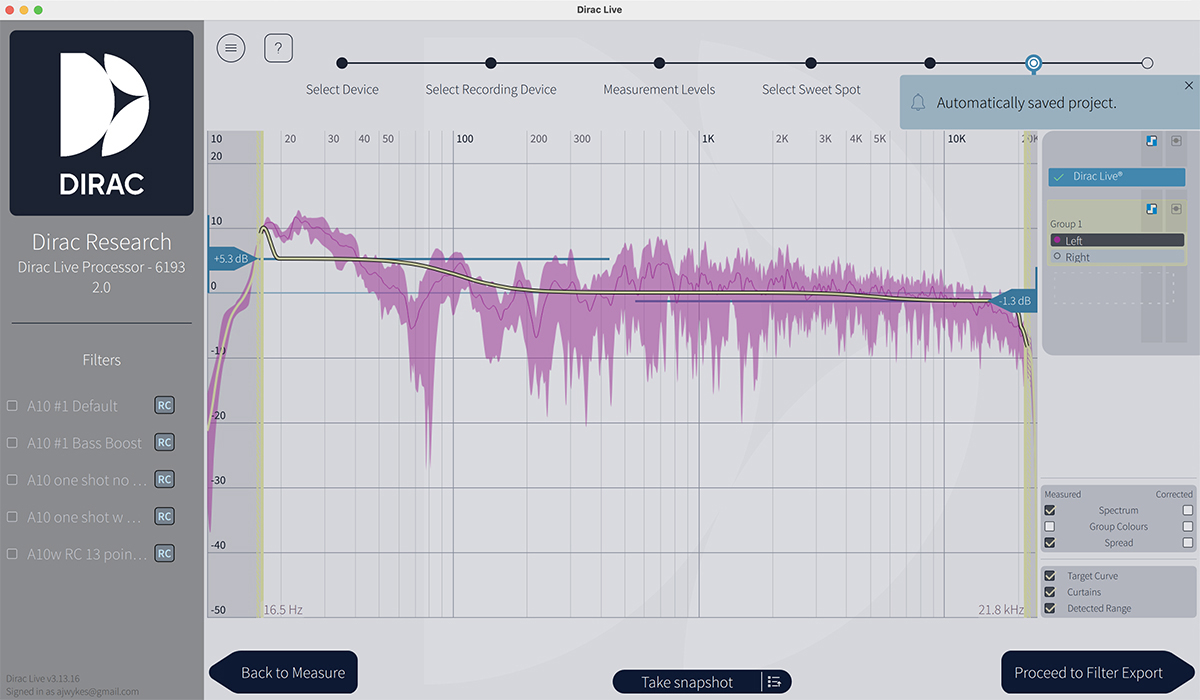
Room-correction software stacks on top of the hardware’s latency. Dirac Live Room Correction Suite runs on Mac and Windows and applies real-time filtering to correct both the magnitude and phase response of your speakers in your specific room, which I found to be a real, meaningful improvement for music listening. The room is shaping what you hear, and Dirac addresses that at the source.
The concern with Dirac and gaming isn’t really about tonal coloration; a well-calibrated correction curve shouldn’t meaningfully damage positional cues through speakers. The real cost is the added latency: Dirac’s filtering introduces processing delay, typically somewhere in the region of 15 to 30 milliseconds, depending on the filter length and implementation. For music and video that’s imperceptible. Stack it on top of your buffer latency during gaming and it’s another chunk of your reaction-time budget gone.
The zero-sum problem in your signal chain
Latency is a narrow concern for a specific type of user. But there are other processing conflicts in a desktop signal chain. EQ is the clearest example. Many desktop speaker systems (and most soundbars) apply loudness contours that boost the bass and treble regions at low to moderate volumes. This is based on psychoacoustic principles: our hearing is less sensitive to the frequency extremes at lower SPLs, so a little shelving boost at the top and bottom compensates, and it makes background listening seem fuller and more balanced.
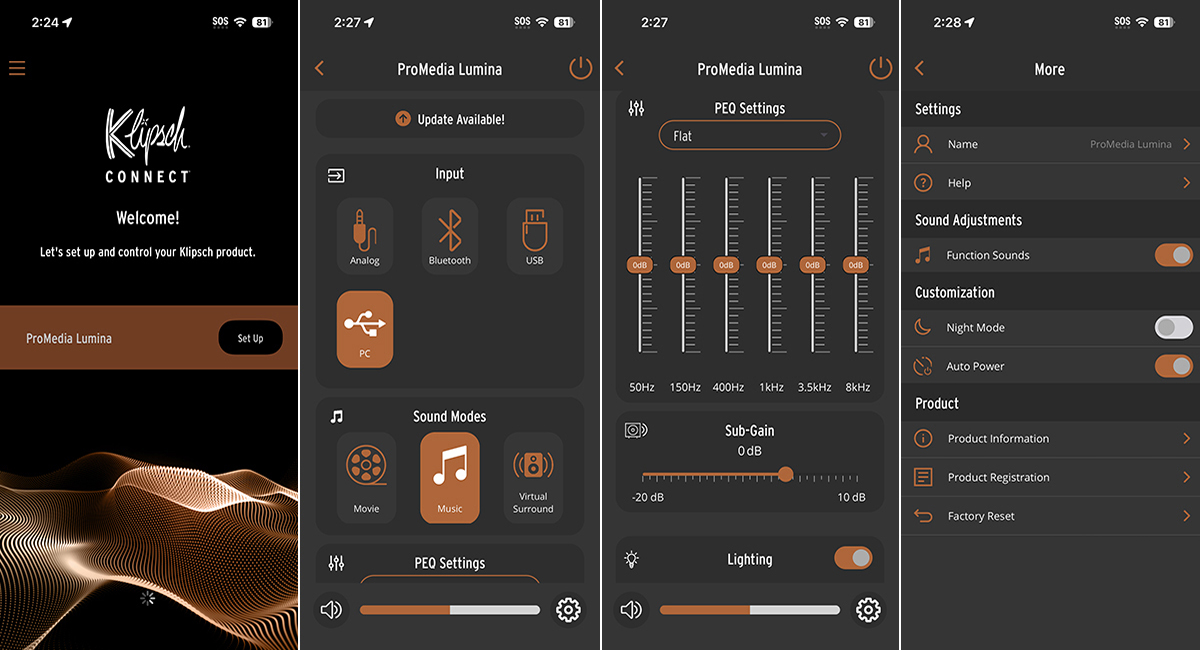
For video consumption, casual gaming, and casual listening, that processing is useful. For critical listening or content creation, it colors the presentation in ways that add a layer of uncertainty. You’re hearing the recording plus someone else’s tonal opinion about what sounds good at desktop volumes. And that isn’t ideal.
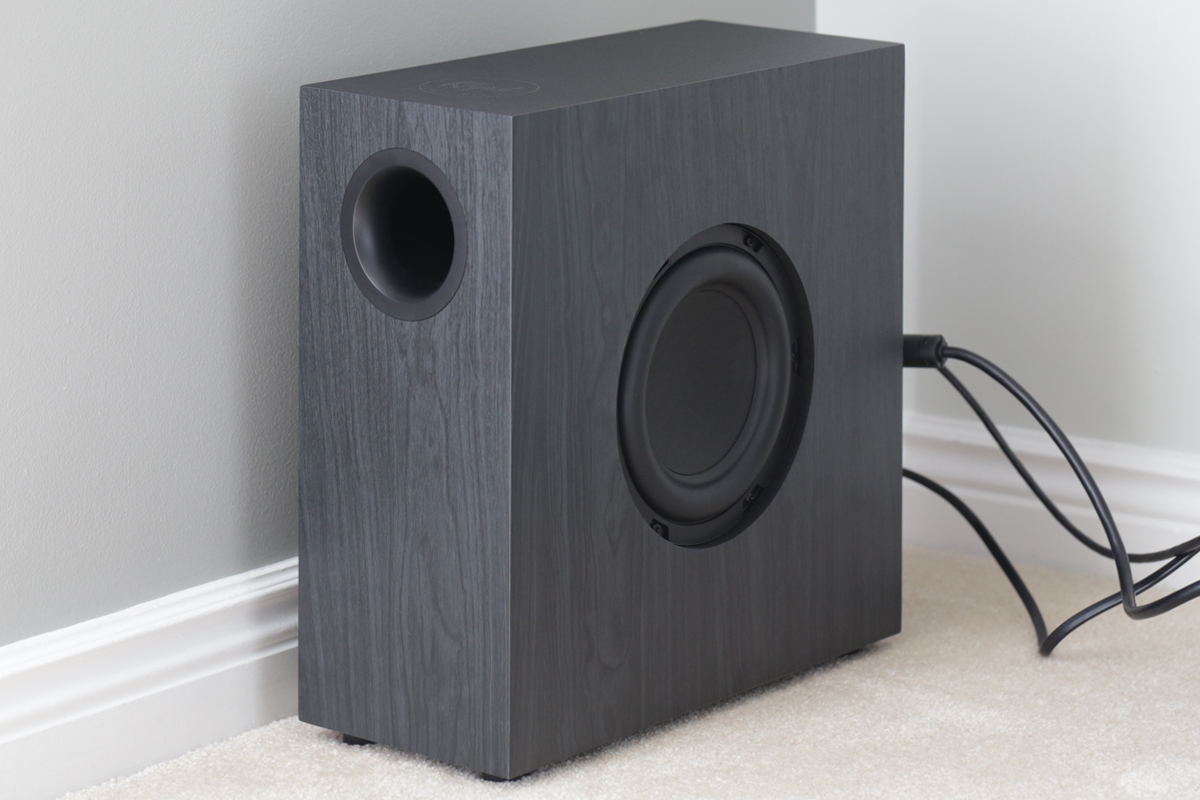
Bass management is another example, particularly if you’re running a 2.1 system. The level of the subwoofer can be tuned for music (where you want seamless integration and accurate low end) or for gaming and home theater (where impact and weight often matter more than precise integration). These aren’t dramatically different settings, but they’re often not the same either. Aligning the subwoofer for music can make games feel lean in the low end, lessening their immersive quality. Optimize the sub for games and the exaggerated low end can dominate and muddy music playback.
The cumulative effect of these small mismatches is a setup that’s mediocre at everything rather than excellent at anything. Nobody sits down one day and decides to misconfigure their audio chain. It happens gradually, through accumulated defaults and half-remembered adjustments, until the system reflects the priorities of five different listening sessions rather than any coherent intent.
Knowing what you’re asking for
There is a principle that recording engineers internalized long ago and that consumer desktop listeners are hopefully beginning to apply: the speakers are only the last link in the chain. What arrives at them has already been shaped by decisions made upstream; namely, through the source and the processing applied. A well-designed pair of active desktop speakers will faithfully reproduce whatever the signal chain delivers.
The practical implication is straightforward, even if it requires a change in how one thinks about the setup. The question isn’t “what are the right settings?” It’s “what are the right settings for this task?” A music session benefits from an accurate, uncolored signal path: room correction engaged, loudness processing off, source quality prioritized.
A gaming session or video call benefits from lower processing overhead and a signal path with fewer active filters in the way. These aren’t dramatically different configurations, but they are different, and developing the habit of switching between them deliberately, rather than leaving everything on whatever it was last set to, is where most of the available improvement happens.
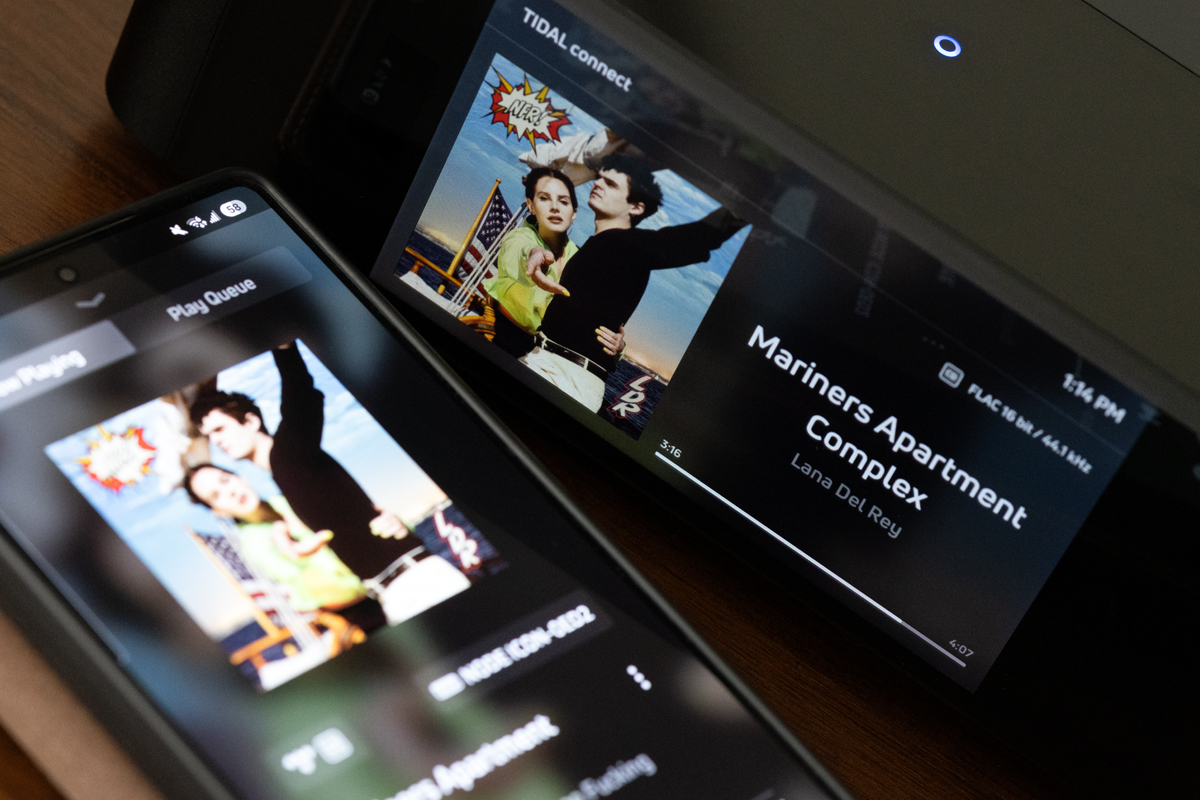
Hardware makers are beginning to acknowledge this. Many streaming audio components with Dirac Live compatibility, like the Bluesound Node Icon, for example, allow different room-correction profiles to be saved and recalled by input. It’s a partial solution, but it reflects a growing recognition in the industry that modern audio operates within a multi-use environment, and that designing for it means acknowledging the tradeoffs rather than pretending they don’t exist.
Most listeners will get there eventually, through accumulated frustration with a setup that sounds slightly off in some contexts. The idea here is simply to get there by intention rather than by accident—to understand what the desktop setup is being asked to do, and to configure the chain accordingly.
Conclusion
Music, gaming, video, calls, and content creation have different requirements, and optimizing for one can mean accepting compromises in others. This isn’t a failure of the hardware; it’s a consequence of asking for different things from the same system.
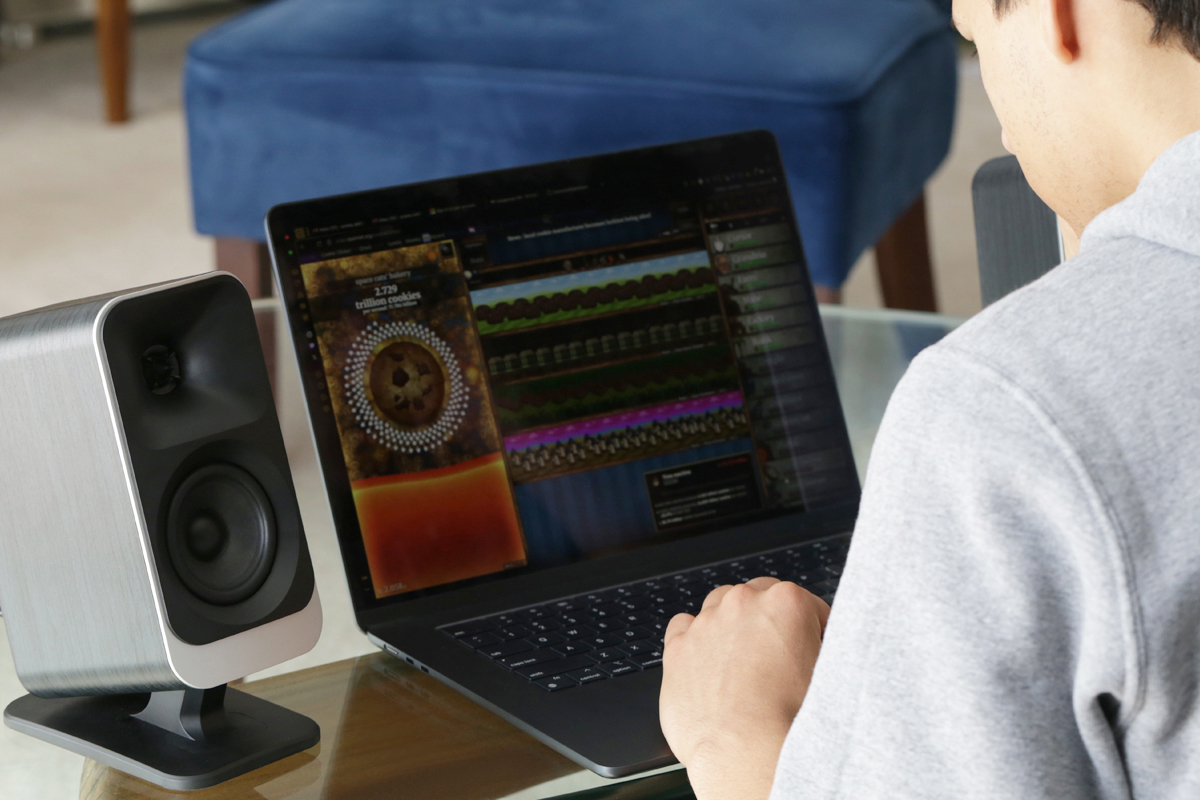
What this means in practice is a matter of priorities. Identify which mode dominates your use, and optimize the signal chain for that first. Treat the others as secondary, and manage the switching cost between configurations so it’s low enough to actually happen. Audit what processing is active in the chain right now—EQ curves, loudness contours, room correction, bass management, buffer size—and understand what each one is doing and what it was set for. Most of the available gains are in the decisions made before the signal reaches the speakers.
Desktop audio has come a long way from the bundled plastic satellites of the 1990s. Most hardware available today is, by any reasonable measure, genuinely very good. The limiting factor, more often than not, is clarity about what we’re asking it to do.
. . . AJ Wykes